
How credit cards work in zero-based
How credit cards work in zero-based
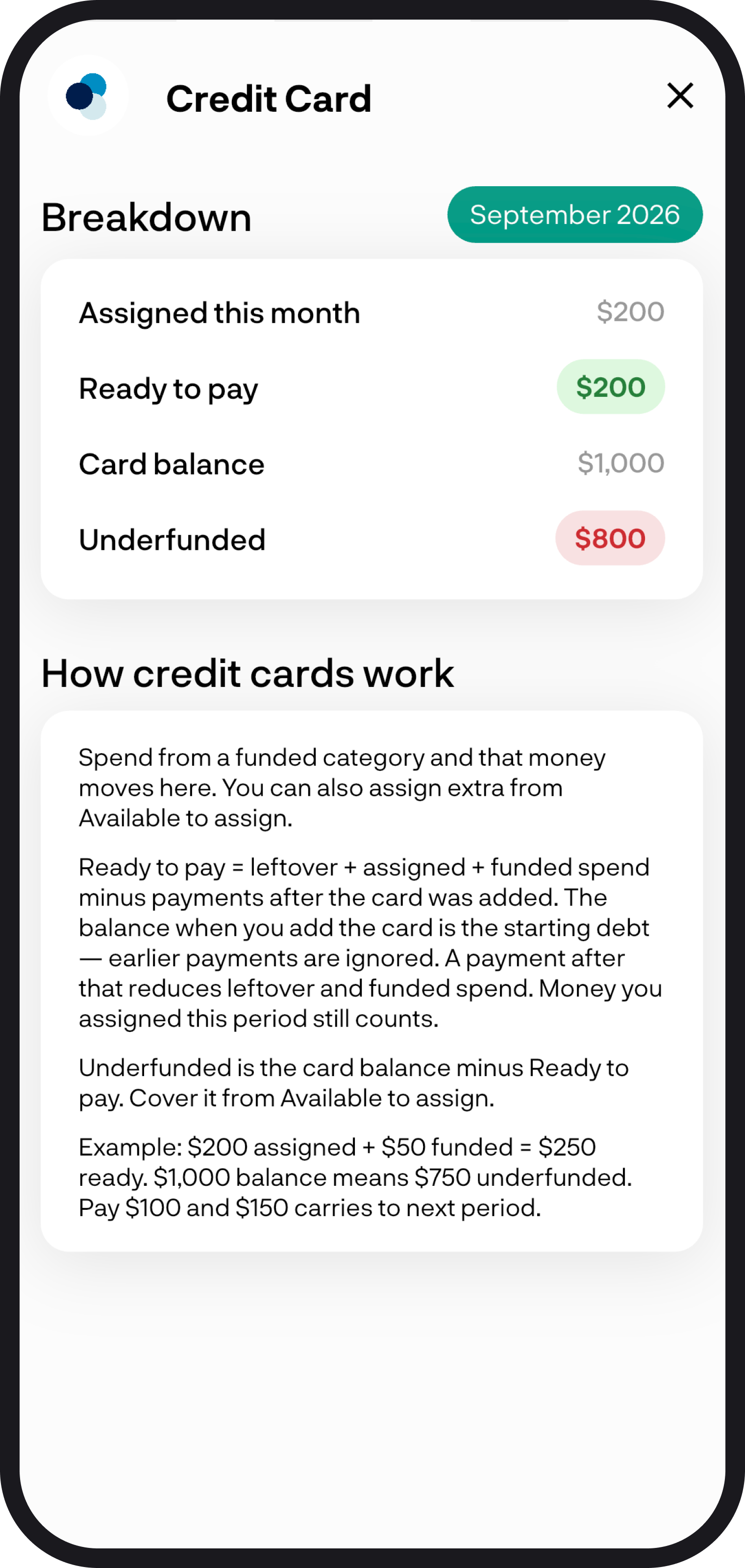
Cards you include in your budget get their own Credit cards section. Assigned is extra money you have put toward the card from Available to assign.
1. A quick summary
Include the credit card in the accounts that feed this budget. Ready to pay is leftover plus assigned plus funded card spend, minus payments after the card was added.
Payments before that are ignored. The balance when you add the card is the starting debt.
2. Include the card
In Budget settings, include the credit card in the accounts that feed this budget. Cards you include get their own Credit cards section.
3. Ready to pay and underfunded
- Assigned - extra money you have put toward the card from Available to assign
- Ready to pay - leftover plus assigned plus funded card spend, minus payments after the card was added
- Underfunded - the amount still needed, shown in red. Cover it from Available to assign. That underfunded line disappears once the card is funded
Credit cards are not included in leftover from last period or Available to spend on the breakdown.
4. See the card details
Tap a card name to see the breakdown and its latest transactions. From there you can assign more, or Cover an underfunded amount. For the wider picture, read Zero-based budgeting overview.
You're all ready to go
You now know how credit cards work in zero-based. If you run into any issues, feel free to get in touch with us at hello@budgetbuddie.co.nz