Get
25% OFF
your first year of Pro with code
SAVE25
*
Sign up
Features
Integrations
Pricing
Learn
Learn
Behind the budget
Help centre
Overviews
Tips & Tricks
How to guides
Popular Guides
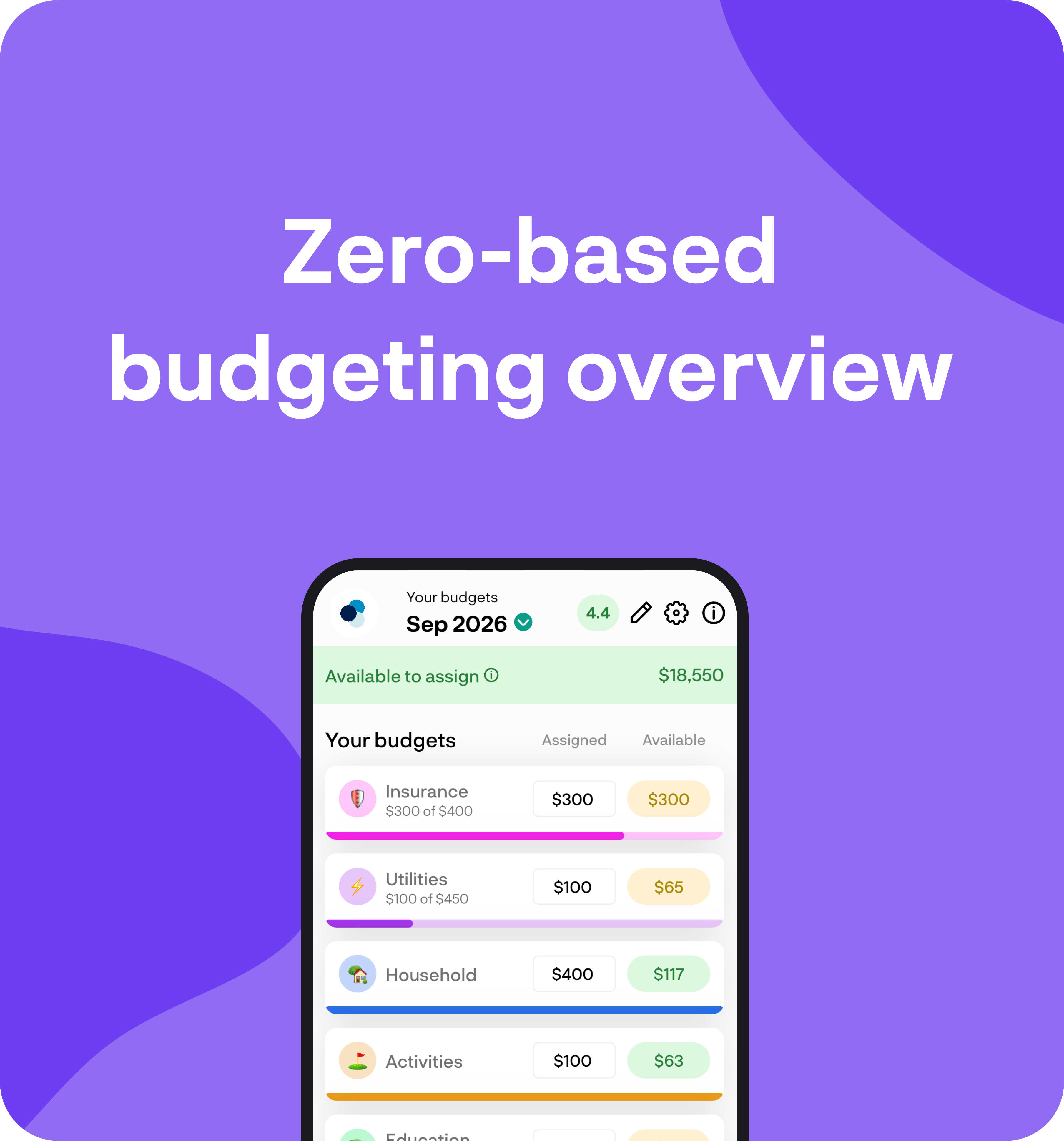
Zero-based budgeting overview
Give every dollar a job. Money from the accounts you select sits in Available to assign, then you give it to expense categories and credit cards.
Getting started tips & tricks
After setup, a welcome popup walks you through the basics. Finish it, continue the full tour, or explore yourself. Here's how to get the most out of BudgetBuddie.
Behind the budget
Molly's money journey
Molly shares how moving to NZ sparked a shift in her money mindset from manual tracking to confident, automated finances with BudgetBuddie. She’s now focused on building wealth early and working toward homeownership.
Ben's money journey
Ben, a flight instructor from South Canterbury, shares how self-funding his aviation training taught him to be disciplined with money. With BudgetBuddie, he’s now tracking his net worth, setting savings goals, and building toward a more secure financial future.
About
About
Blog
About us
Contact
Terms of use
Privacy policy
Recent blogs
NZ credit cards: how to use them for rewards without paying interest
September 16, 2026
9 minute read
How to eat well on a tight grocery budget in New Zealand
September 16, 2026
8 minute read
KiwiSaver balance by age: what is a good amount in New Zealand?
September 16, 2026
9 minute read
Index funds vs gold vs Bitcoin: where should Kiwis put extra cash?
September 16, 2026
8 minute read
Login
Login
Get started
Features
Integrations
Pricing
Help centre
Blog
About
Contact
Manage account
Help centre
Budget ⚖️
Learn how to get the most out of your budget. Set realistic goals, track spending, and manage your money more effectively with BudgetBuddie.
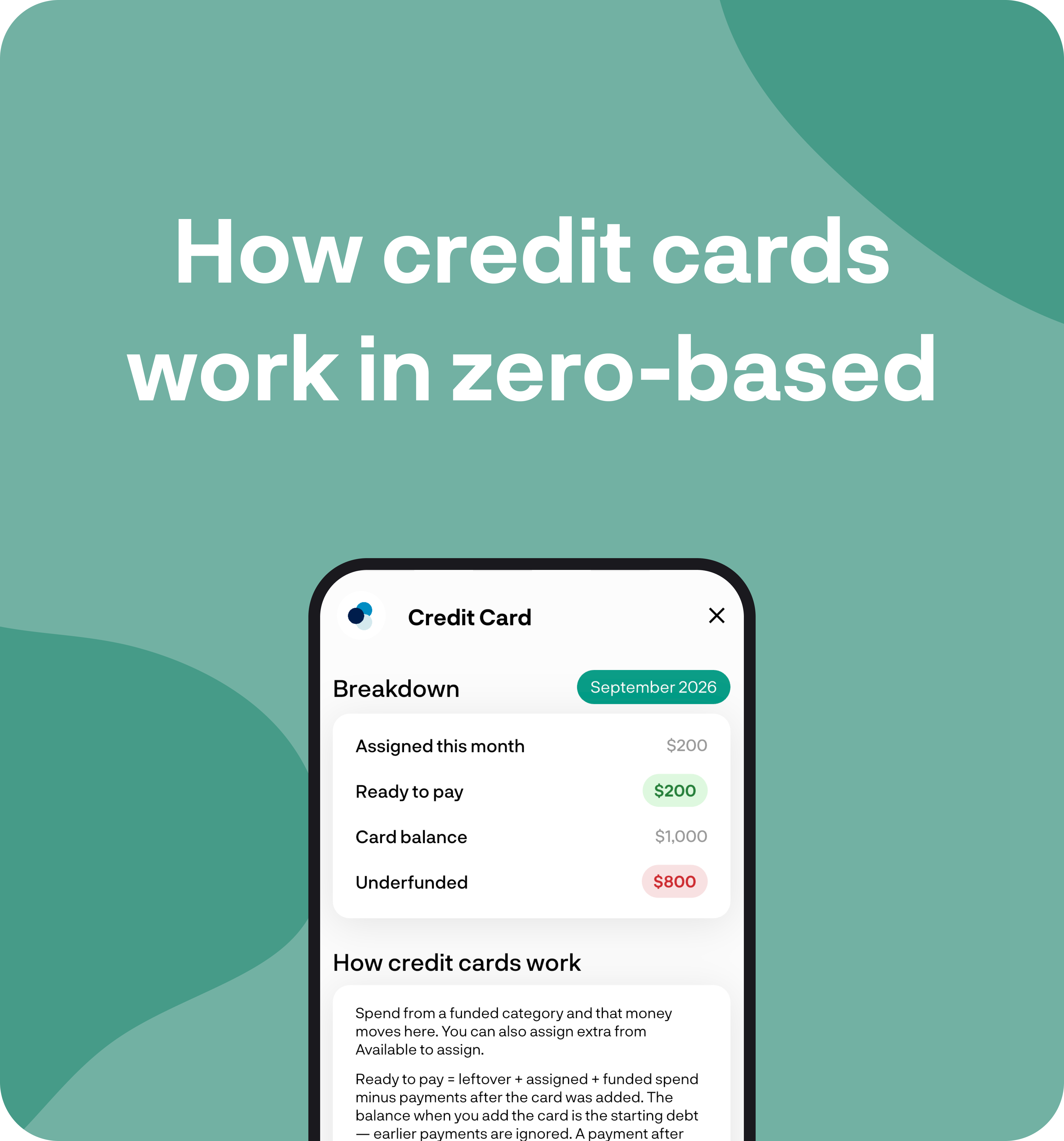
How credit cards work in zero-based
Included cards get their own section. Ready to pay is leftover plus assigned plus funded spend, minus payments after the card was added.
September 26, 2026
How to guides
How to guides
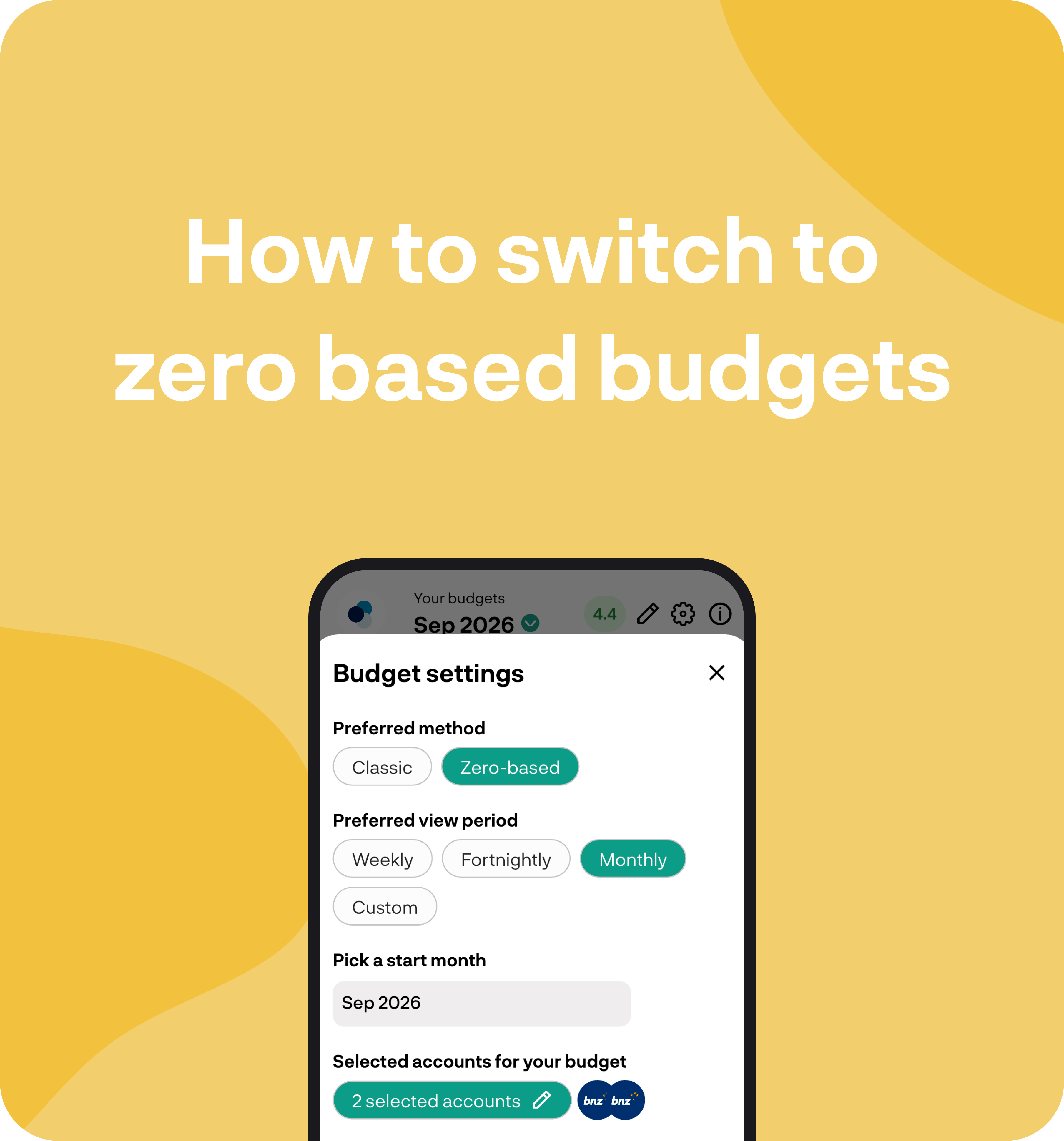
How to switch to zero-based budgeting
Switch Preferred method to Zero-based, pick a period and start date, then choose which accounts feed the budget.
September 26, 2026
How to guides
How to guides
Zero-based budgeting overview
Give every dollar a job. Money from the accounts you select sits in Available to assign, then you give it to expense categories and credit cards.
September 26, 2026
Overviews
Overviews
How savings categories work
Use a savings category for money you put away, like KiwiSaver or an emergency fund. Here's how it works in your budget, cashflow, and Money Insights.
September 26, 2026
Overviews
Overviews
Budget feature overview
Set weekly, fortnightly, monthly, or custom budgets. Group related lines, mark savings categories, and use rollover or one-offs when you need them.
September 26, 2026
Overviews
Overviews
How to create a one off budget
Create a one-off budget for irregular spending like a holiday. It stays out of your regular leftover and does not roll over.
September 26, 2026
How to guides
How to guides
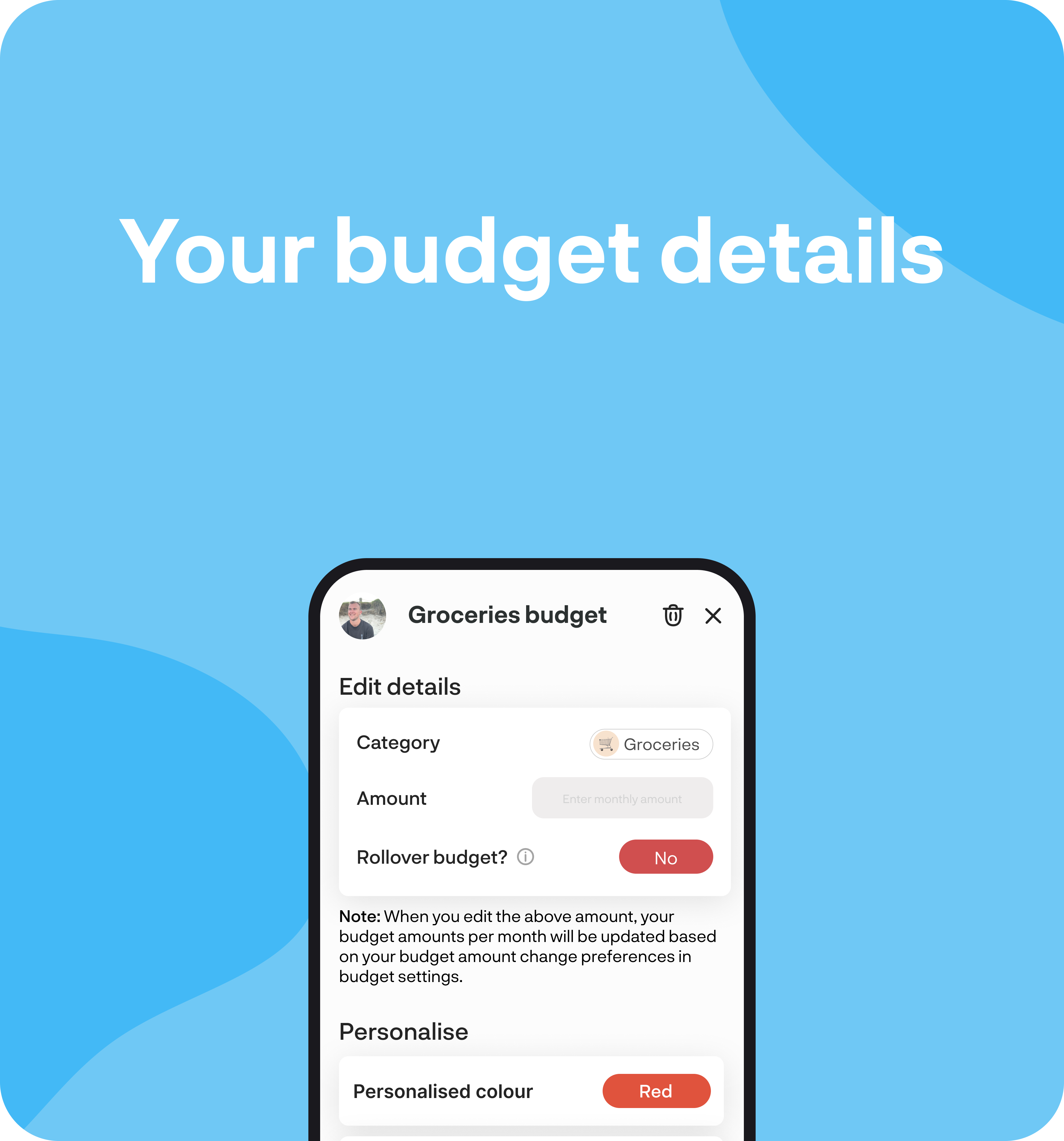
Your budget details
Open a budget to change the amount, rollover, and personalisation, or see the transactions tracking against it.
September 26, 2026
Overviews
Overviews
How to create an expense budget
Add an expense budget with Quick add or the full setup. Set the amount, optional rollover, and use a savings category for money you put away.
September 26, 2026
How to guides
How to guides
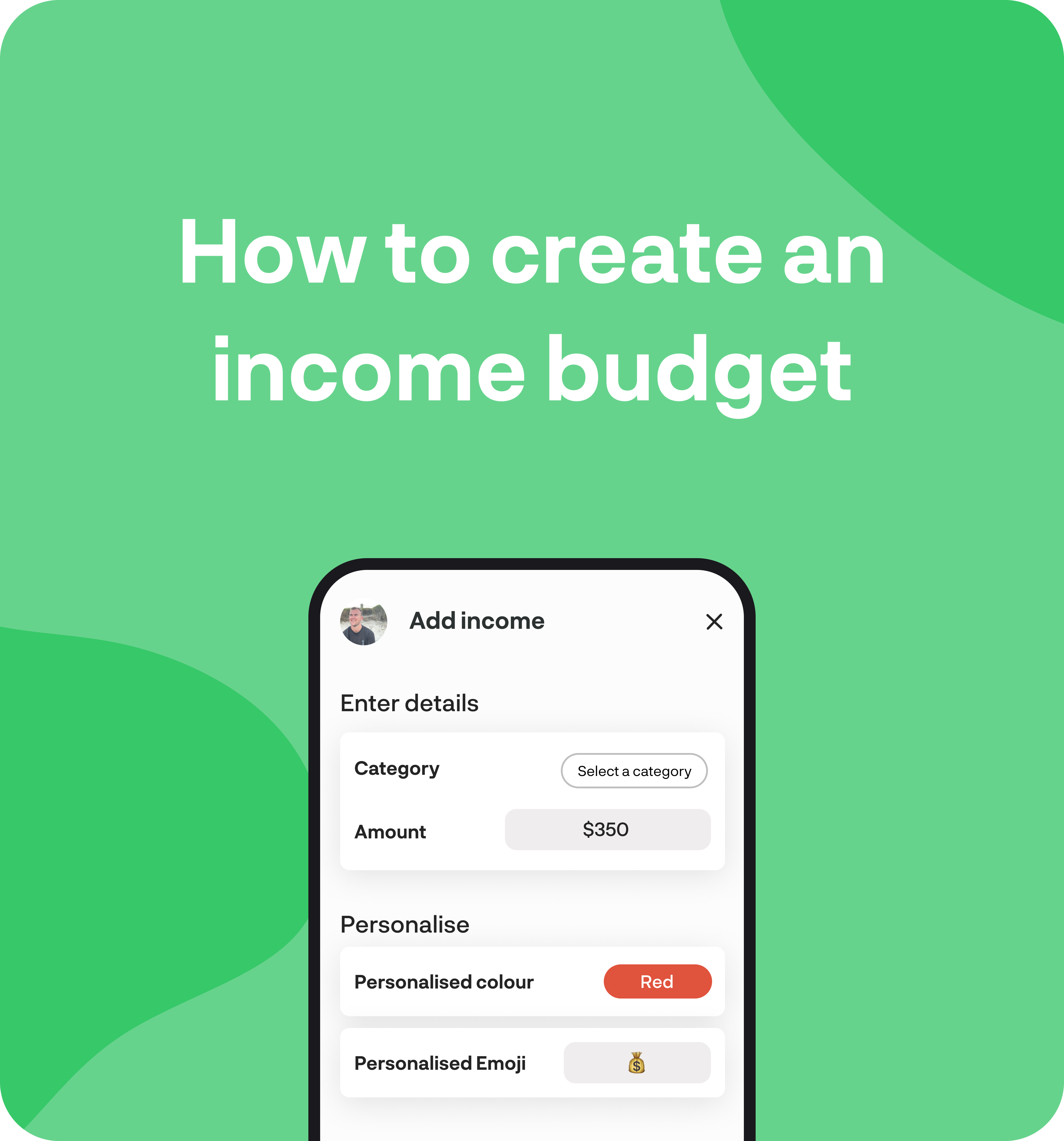
How to create an income budget
Add an income budget with Quick add or the full setup. Set the amount and optional rollover so you can track pay against what you expect.
September 26, 2026
How to guides
How to guides
One app.
All your finances.
Level up the way you manage your money.
Smart widgets
Insights & tips
Connect your accounts
Money, made easy